Available now
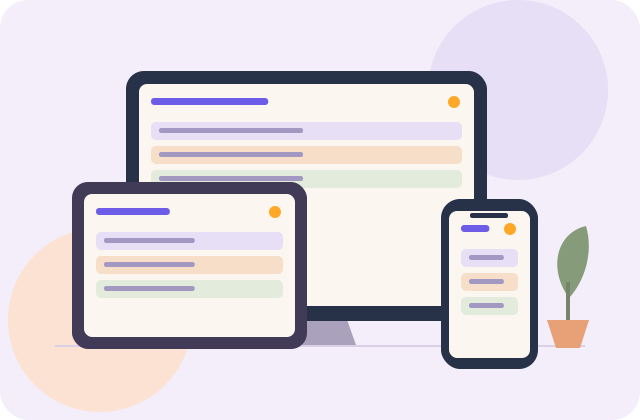
Phone, tablet and computer browsers
Open the Nestral web app, sign in and select your household. Use a current browser with JavaScript and cookies enabled. Individual device models have not been certified.
Our direction is simple: bring Nestral to the screens and devices your family already owns. Start with the browser app today. We will publish specific device compatibility as integrations are built and tested.
A tablet on the kitchen bench. Your computer at the end of the day. Keep the family plan close, without buying a dedicated calendar screen.
Explore your device options ↓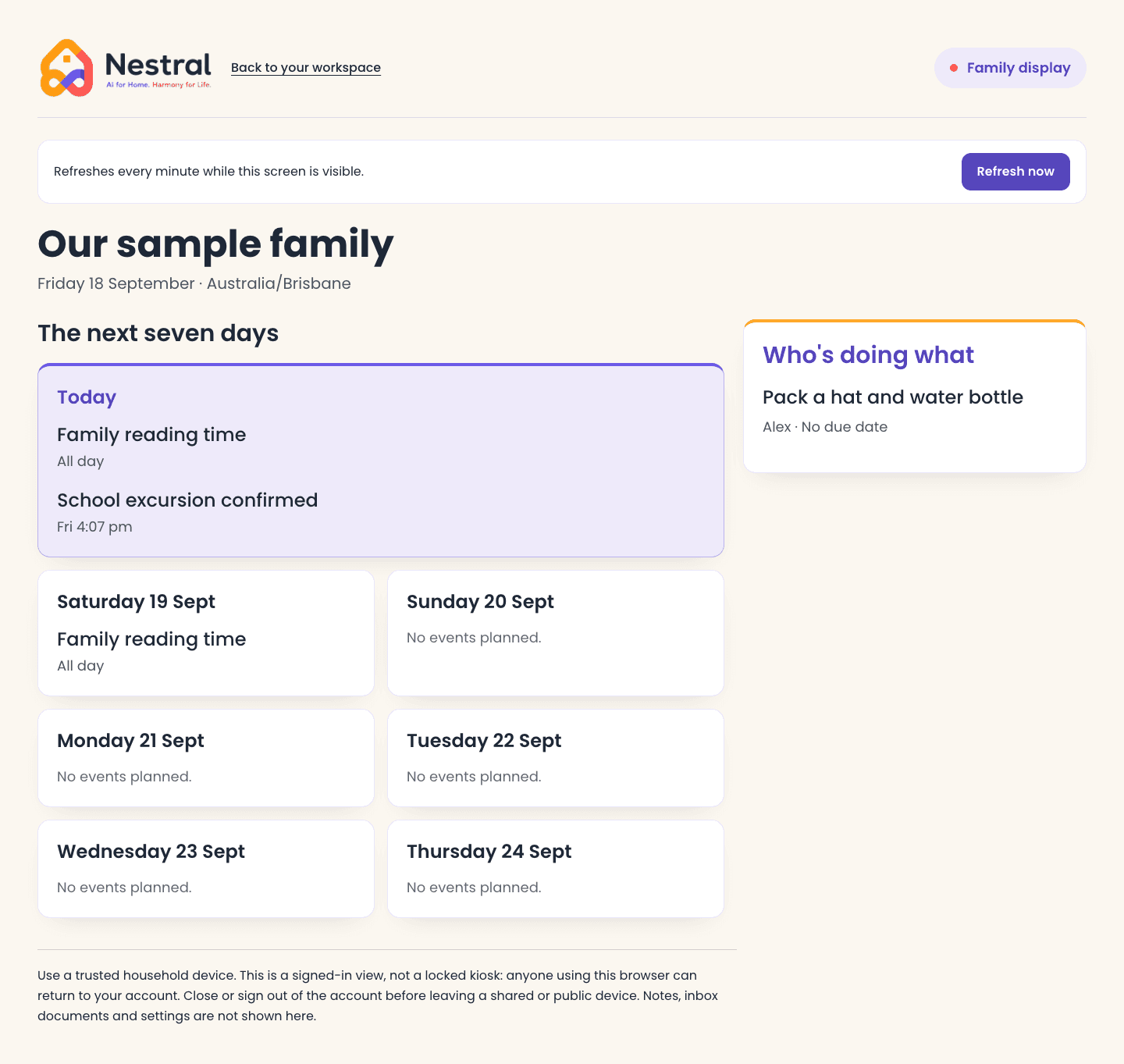
Open the Nestral web app, sign in and select your household. Use a current browser with JavaScript and cookies enabled. Individual device models have not been certified.
A built-in browser may offer a route on some models. We need to test sign-in, display, touch input and reliability on each model and firmware. No fridge integration or compatibility is verified.
Browser capability and remote controls vary. We plan to test readable display layouts and navigation. No TV model, TV app or casting integration is currently verified.
Nest Hub needs a dedicated platform integration such as a Cast receiver. It is not an ordinary browser target for the web app. This integration has not been delivered or tested.
We will assess integrations where device platforms provide a suitable supported path. No universal device compatibility or appliance control is offered.
Pairing gives the screen access to the shared plan for up to 30 days. It does not give it access to your inbox, notes, account settings or editing controls. Keep the screen where your household is comfortable showing the shared plan. A running screen checks access regularly; a sleeping or frozen screen clears when it resumes and checks.
There is no dedicated Nestral screen to purchase. Fridge, TV and other appliance integrations still require individual testing.
Set up a household screen ↗Tell us your device brand, model, software version and where you would like to see your family plan. Please do not include passwords or private family documents.
Send a device request ↗Requests help us prioritise. They do not guarantee support or a release date. Our screen integrations are for displaying the family plan; appliance control is a separate capability.